
Discover teaching scenarios
Show Actoon for 5 to 10 minutes per class, and make it part of your routine: you’ll quickly notice an improvement in your students’ attention and participation!
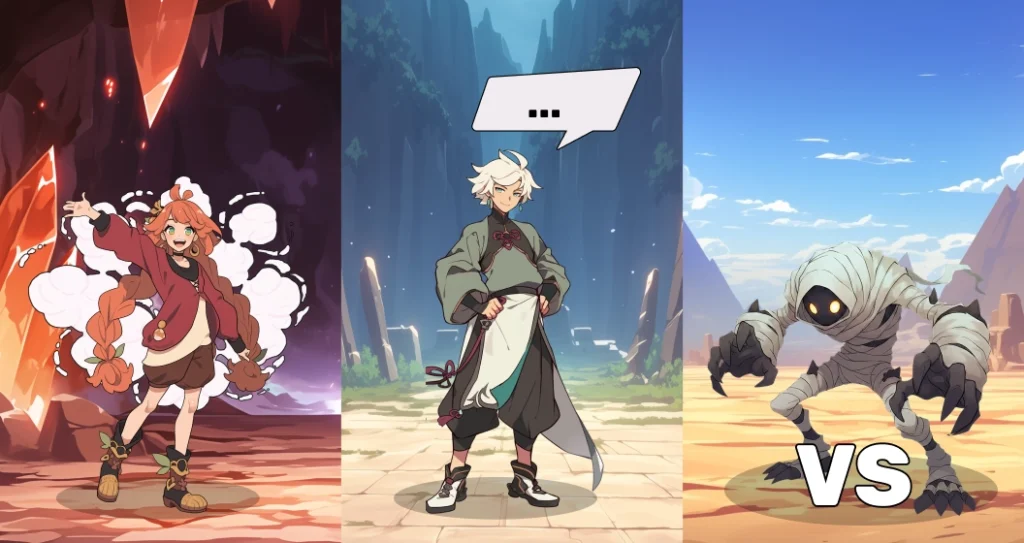
Actoon in the Classroom: A Practical Guide
Ready-to-use lesson plans for every subject
Whether you teach math, history, or languages, Actoon adapts to your educational goals. Each use case is designed to boost student engagement, encourage participation, and reinforce learning—all without any additional preparation.
- to reward a student who participates in an oral presentation (or even to assess a skill such as "oral expression")
- to reward a student who successfully completes an activity or exercise
- Reward a student who helps another student during a "raid" (see below)
- to punish a student for talking
- Randomly select students to do activities outside of Actoon: read a text, correct an exercise, go to the board, etc.
- engage students who are not used to participating in oral discussions
- handle complaints of "favoritism" and blame it on Actoon's random selection process
- Ask your students to review their notes and ask you questions about anything that's unclear
- Ask your students to answer a question you'll ask them for the next session
- Ask your students to write a message or a question related to the topic of the next class—for example, a quote from a well-known author or a mathematician they like—for French or math class.
- to be allowed to take attendance at the beginning of class
- to be allowed to eat in class
- to be allowed to use one's notebook during an assessment
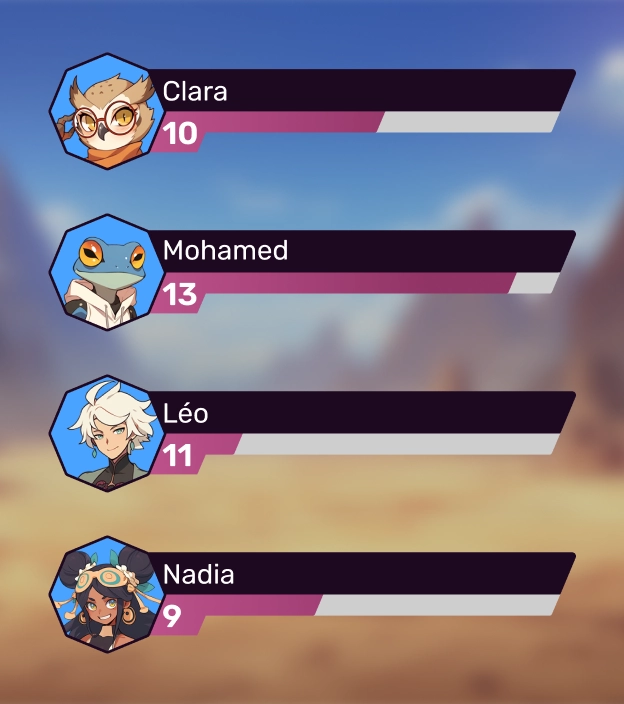
Class Section
Reward your students' commitment
Use it in every class to:

Invocation
Involve all your students equally
Use it in every class to:
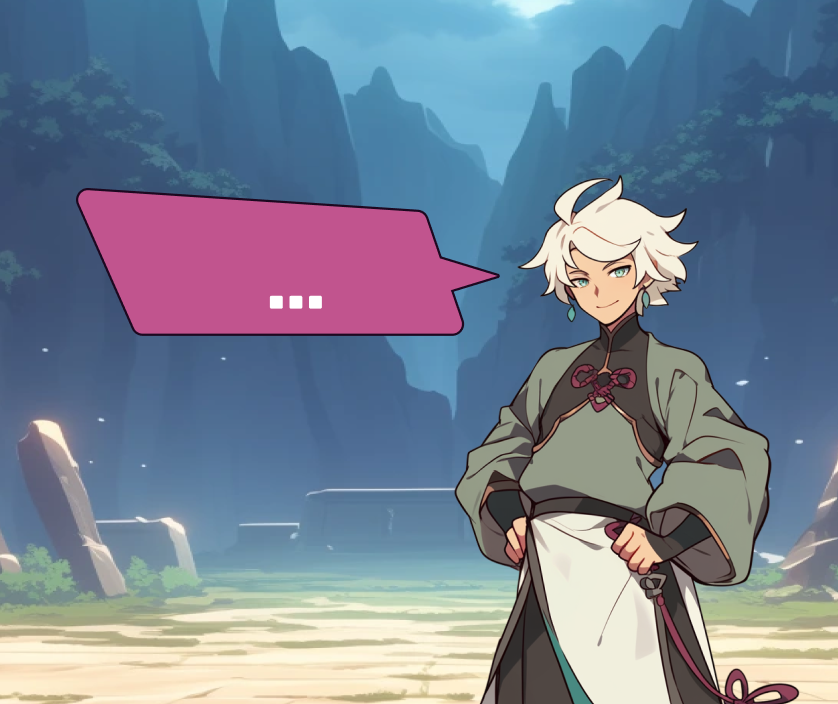
Codex
Use your students' comments to liven up your lessons!
Use it in every class to:
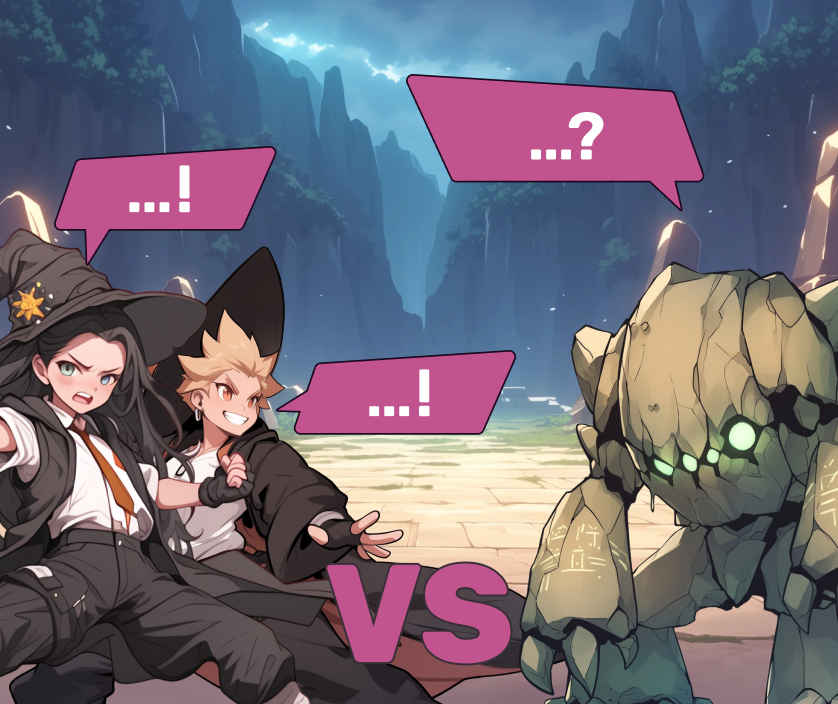
Raids (in-class quizzes)
Use quizzes in a whole new way: as a tool for engagement and collaboration!
For a scavenger hunt, it’s recommended to use short, simple quizzes (3 to 5 questions) so that the activity doesn’t take more than 10 minutes.
You don't have to run a raid every session, but why not do one at the end of a series of classes or a chapter?
Using a diagnostic test to introduce a lesson can be a good way to engage your students before presenting a concept.

Power Mode
Use quizzes in a whole new way: as a tool for engagement and collaboration!
Here are a few examples:
Use these strategies to boost your students' motivation in the classroom, especially for students who are less responsive to virtual rewards.
Challenge (at-home quiz)
Use quizzes in the traditional way: as a tool for individual assessment
In the “Statistics” section, as a teacher, you can track students’ progress in asynchronous mode: whether they’ve started the quiz, what their correct answer rate is, and how they answered each question.
Students using their smartphones, tablets, or desktop computers have more time to answer questions than they do in class. Feel free to create longer and more challenging quizzes to reinforce what they’ve learned in class!
Teachers Who Are Already on Board
Students are reviewing without even realizing it
"The students keep asking for more: 'Are we doing Actoon today?' They want to improve their avatars—even the 15-year-olds are really into it!"

They ask for homework assignments to earn skins
"Students are asking me for extra homework so they can earn skins—I've never seen anything like this in my career! It makes it easier for me to refresh their knowledge!"

It works just as well for boys as it does for girls
“Earning points, advancing through levels, and upgrading avatars are incentives that work well for most high school students, both boys and girls.”