

Key Features
Actoon transforms your lessons into fun and engaging experiences. Quizzes, challenges, leaderboards: your students make progress while playing, and you can track their success in real time.



Used by 500+ satisfied teachers
Make Your Classes More Engaging, Even Without Content
Bring Your Classes to Life even without content
With its smart random selection and point-tracking features, Actoon lets you engage your class without any preparation and without switching equipment—all you need is a computer and a projector.
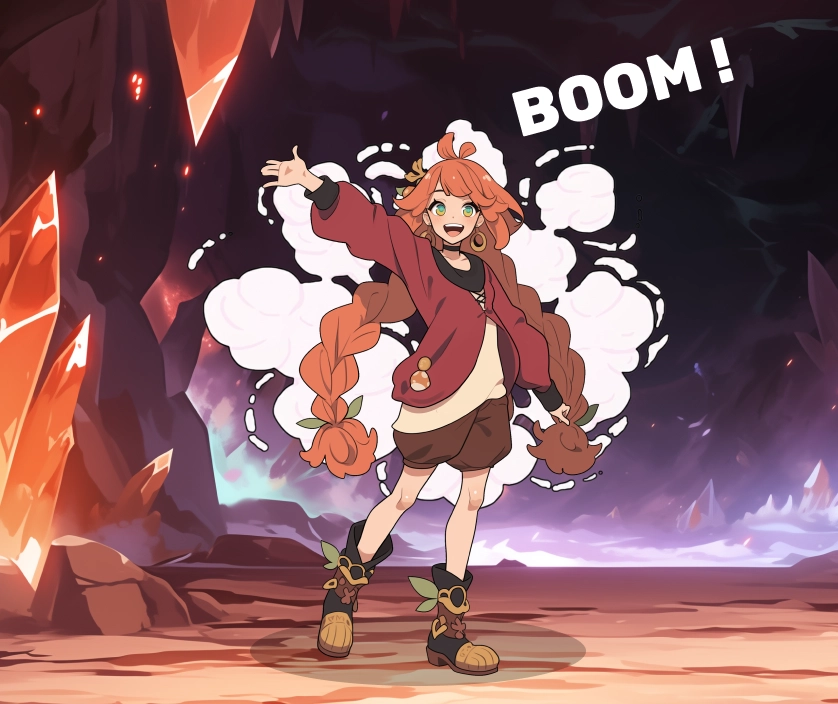
Smart Random Drawing
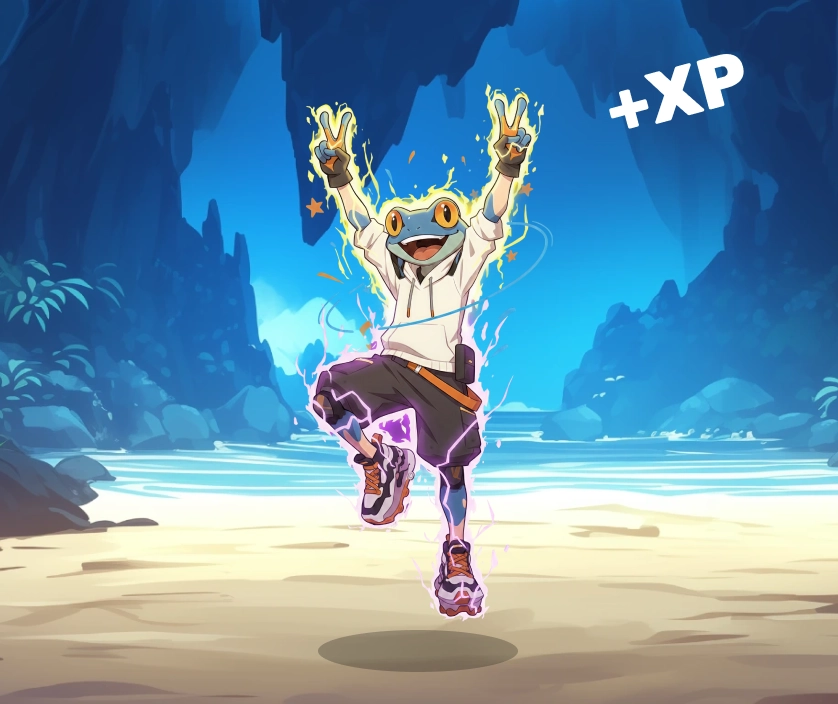
Awarding / Deducting Experience Points
Bring Your Educational Content to Life
Boost Your Students' Knowledge
Capture your students' energy in the classroom and refresh their knowledge with fun features!
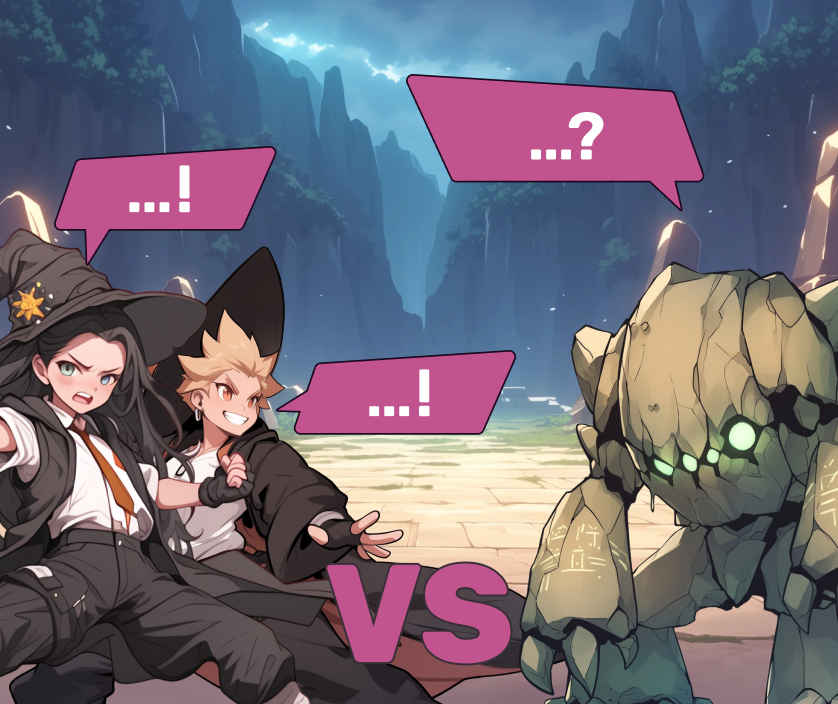
The Raid

Codex
Even more features
Even more features
Continue the adventure at home and analyze the results.
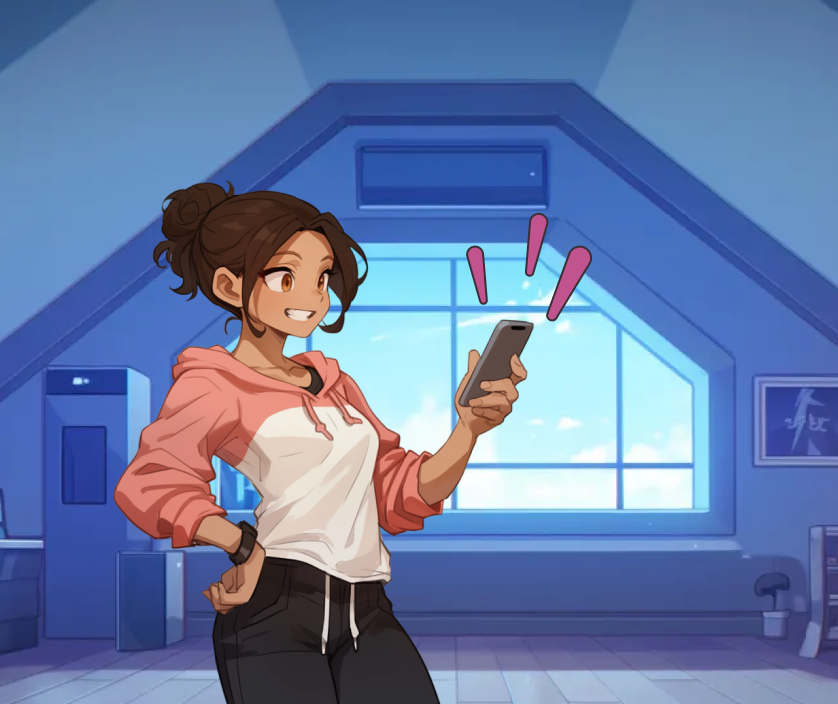
Submitting Homework (Challenge)

Statistics: Keep Track of Your Progress
Even more features
Creatingeducational content? Nothing could be easier!
Continue the adventure at home and analyze the results.

Content Sharing Among Teachers

AI designed specifically for education
Even more features
Awards
Continue the adventure at home and analyze the results.


Created in France, used all over the world
Works with all languages
Actoon is available in several languages! Please feel free to contact us if you can't find your language.

The Special Case of French Schools
Actoon is listed and integrated through the GAR (Resource Access Manager), implemented by the French Ministry of Education. Integration with the GAR enables seamless use within digital learning environments, without compromising security or privacy.
Frequently Asked Questions
Our Answers to Your Most Frequently Asked Questions
In the classroom, Actoon significantly increases students' verbal participation. At home, Actoon makes students more eager to do review activities.
No. Actoon adapts to your teaching style. You choose when to use it, how to use it, and the specifics. It’s a tool designed to help you achieve your goals—not a one-size-fits-all method.
It is recommended that students use the software for no more than 5 to 10 minutes per session. This helps increase student engagement, particularly for activities outside the software.
No. Students interact with Actoon verbally; they do not need any equipment. In the classroom, the teacher has complete control over interactions within the tool and screen time.
Yes. Actoon is designed for all secondary school teachers, whether they teach math, technical subjects, vocational subjects, history, literature, languages, science, specialized subjects, SEGPA, or ULIS.
Yes, in order to use Actoon in class, students must have logged in at least once and chosen a character that represents them.
No, students can only send messages to teachers through the Codex feature.
Yes, accessibility is a priority for Actoon. Most features include tooltips when you hover over them, text can be read aloud, and color contrasts are adjusted for greater clarity.
No technical setup is required. Actoon runs online in a web browser. The GAR-compatible version is accessible through the ENT (France). For in-class use, only a desktop computer and a projector are required; students do not need any equipment. For asynchronous use, students can log in using any type of device: cell phone, tablet, or desktop computer.
No, you need an internet connection to access it today.
Yes. You can share your quizzes or use those created by other teachers. By using Actoon across multiple subjects, students earn more rewards and reinforce their knowledge even more effectively.
Yes, as long as they are in one of the following formats: PDF, TXT, CSV (20 MB max).